Best Starlink Extension Cables for 2026: Perfect for New Year Adventures

As we head into 2026, Starlink continues to revolutionize internet access for remote locations, RVs, off-grid cabins, and outdoor enthusiasts. Whether you’re planning New Year camping trips, winter hikes, or extended road adventures, a reliable extension cable can make all the difference. The standard Starlink cable often falls short for flexible setups, limiting dish placement for optimal sky view.
This guide examines the top extension cable options for the current Starlink Standard (Gen 3) kit, with a focus on compatibility, durability, and performance in outdoor environments. We’ll cover key considerations, top approaches, and practical tips to ensure stable connectivity during your 2026 adventures.
Understanding Starlink Cables in 2026
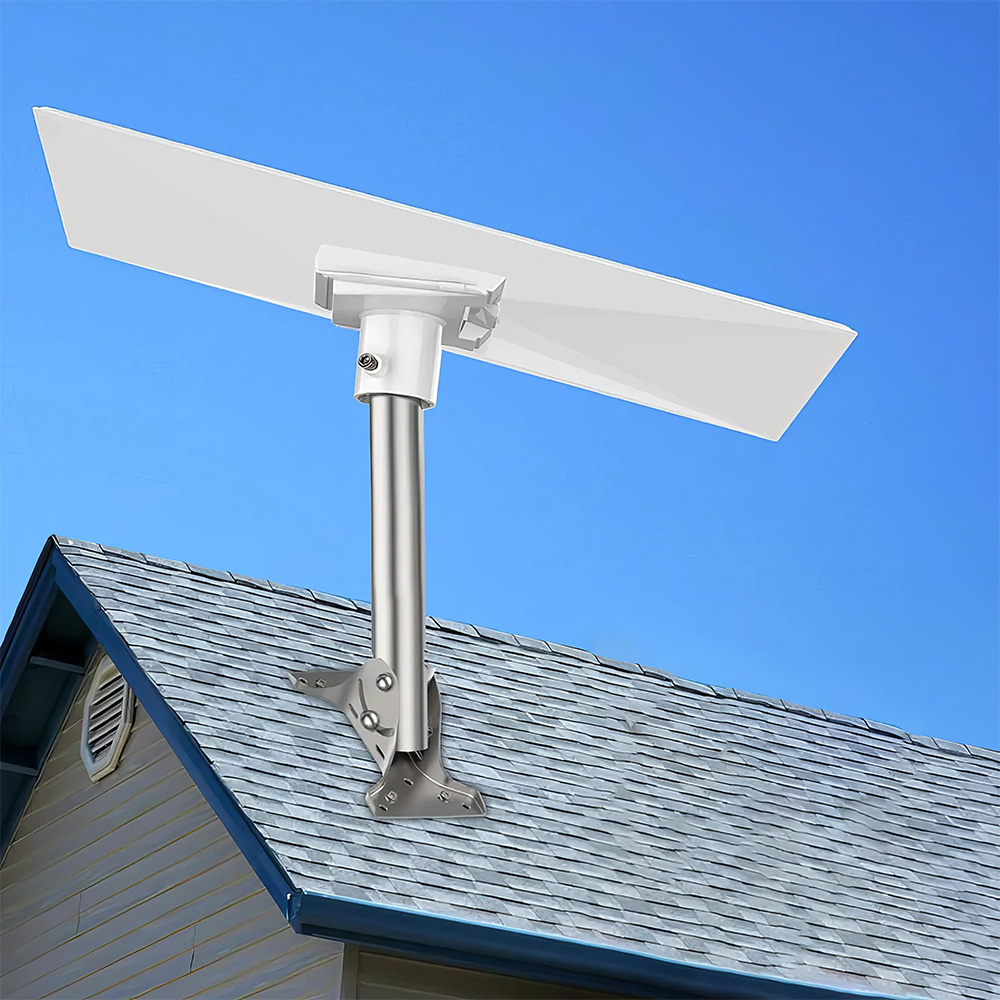
Starlink hardware has evolved, and the latest Standard kit (often referred to as Gen 3 or V3) uses a rectangular dish with RJ45 connectors on both ends of the cable. This design simplifies extensions compared to older generations with proprietary connectors.
Key Specifications
- Standard cable length: Approximately 50 feet (15 meters).
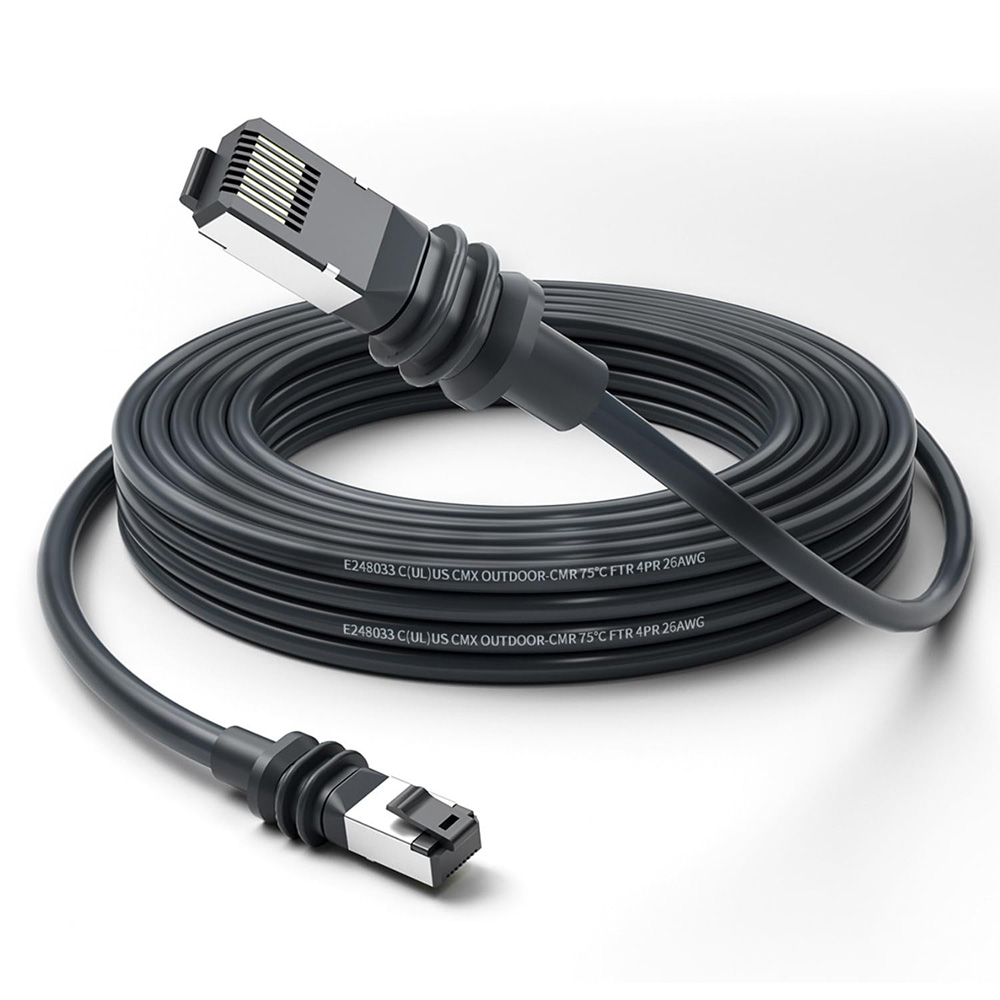
- Cable type: Shielded Ethernet (typically Cat6 equivalent) that carries both data and power (PoE).
- Maximum recommended total length: Around 150 feet (46 meters) to avoid voltage drop, signal degradation, or reboots.
- Weather resistance: Official cables are equipped with moisture seals and UV-resistant jackets, making them suitable for outdoor use.
Longer runs risk of power issues, especially during dish boot-up or high-demand periods, such as snowmelt. For distances exceeding 150 feet, alternative setups such as relocating the router outdoors or using wireless bridges are more reliable.
Why Extend Your Cable?
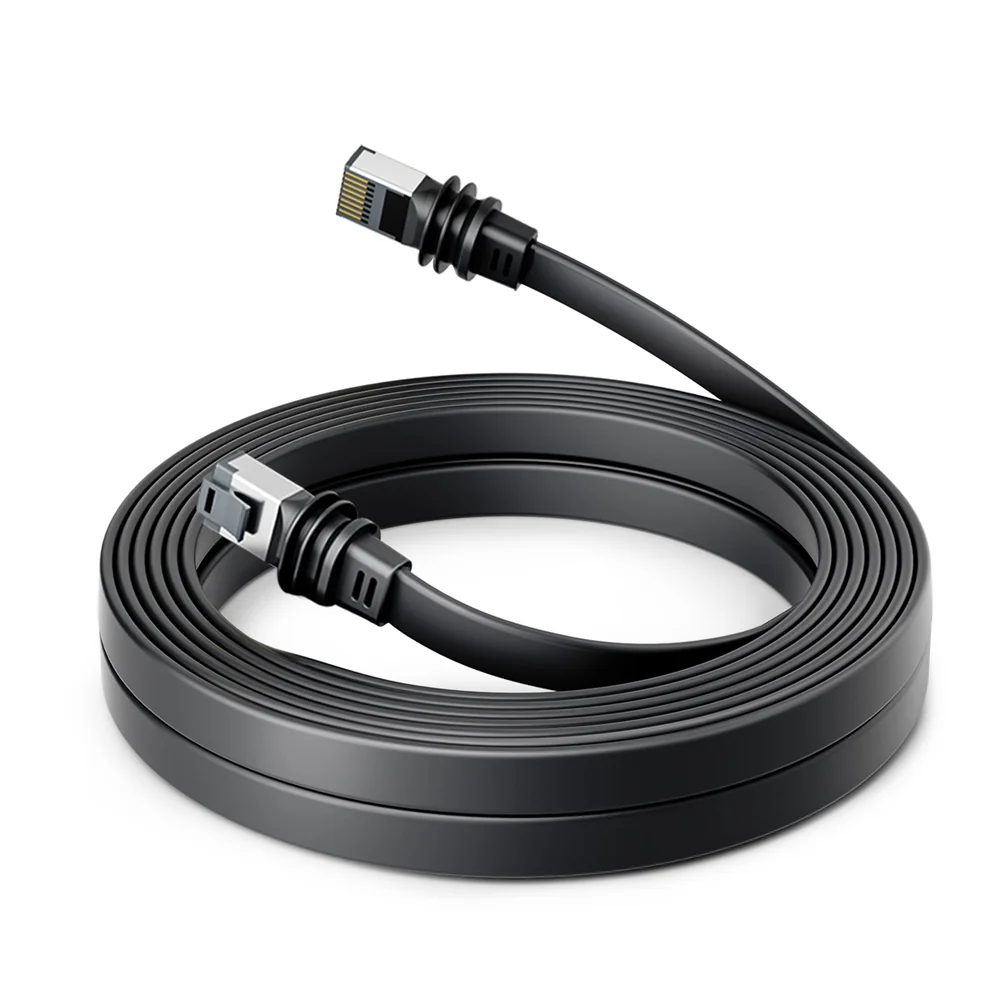
Extension cables allow:
- Better dish placement for clear sky views, reducing obstructions.
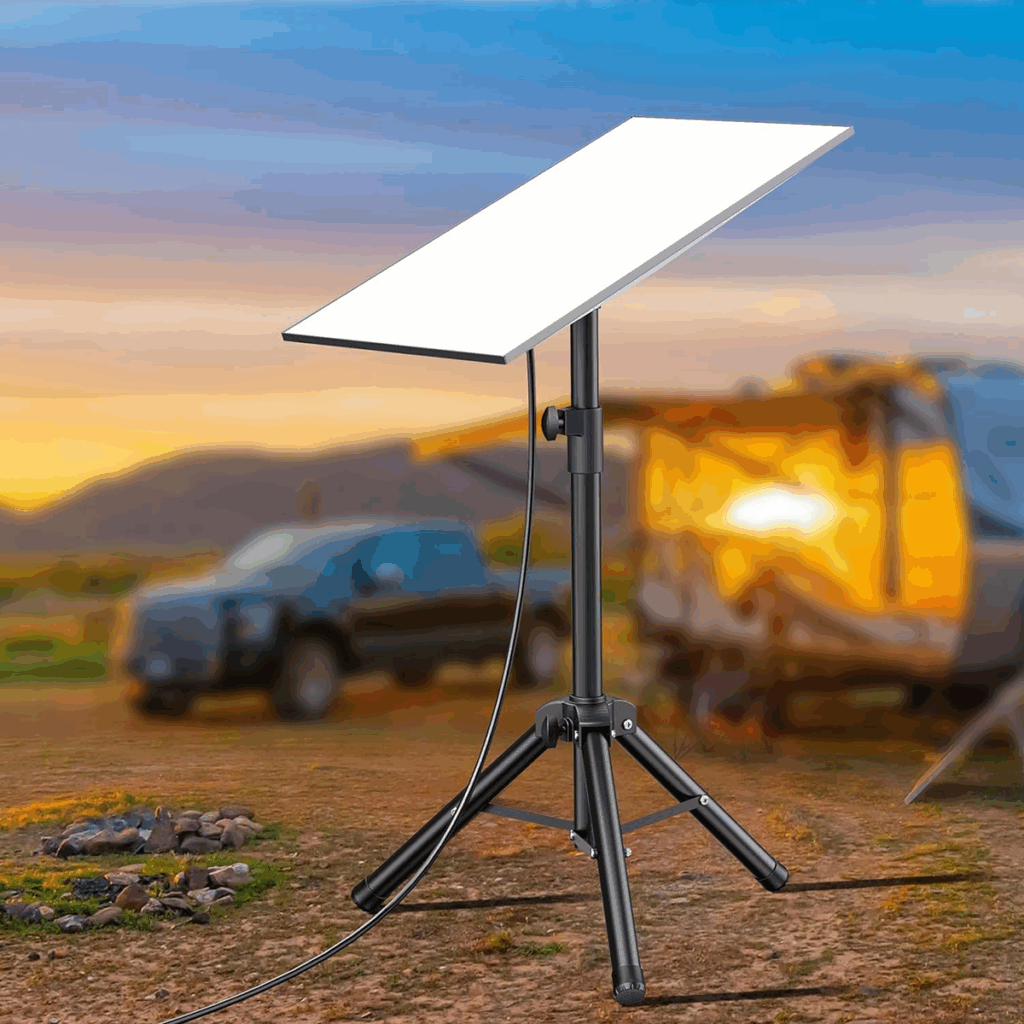
- Flexible mounting on roofs, poles, or vehicles during travel.
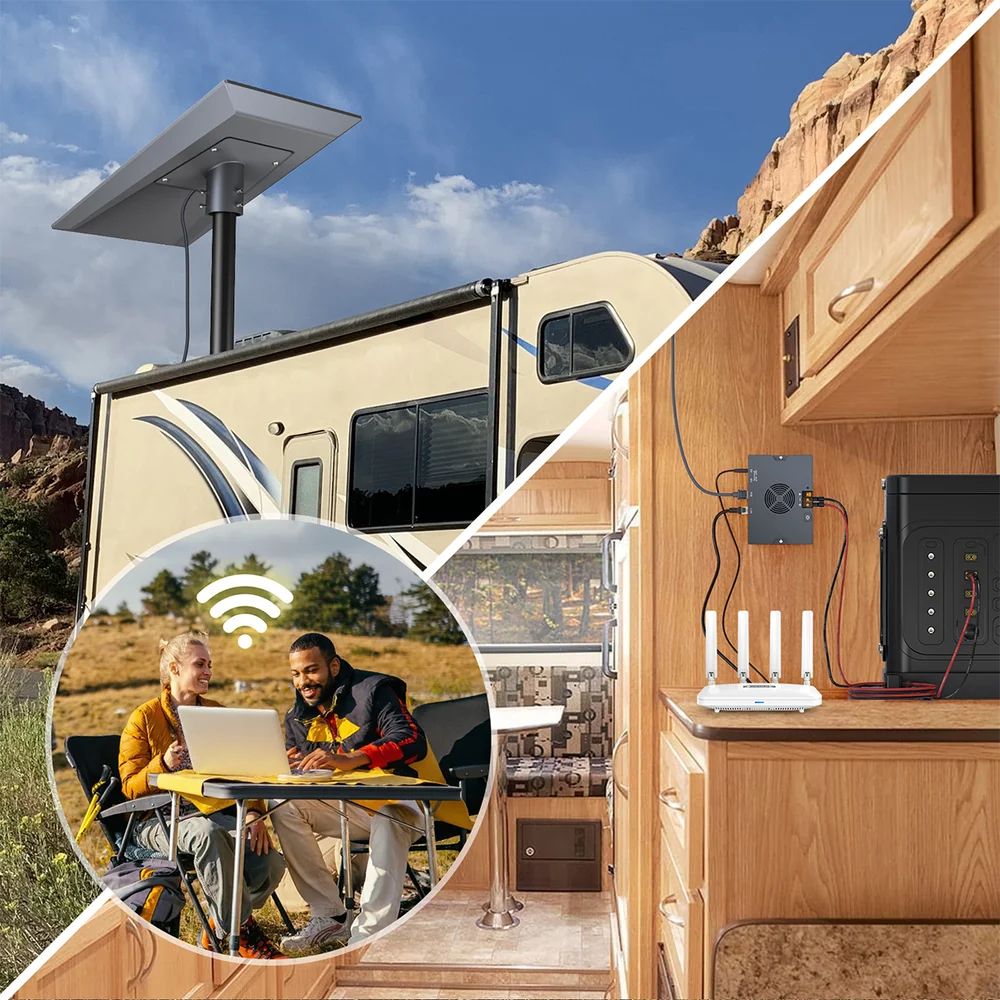
- Reliable connections for mobile setups like RVs or campsites.
In 2026, with increasing Starlink adoption for adventures, choosing the right extension ensures uninterrupted streaming, navigation, and communication.

Options for Extending Your Starlink Cable
There are three main approaches: official longer cables, full replacement cables in custom lengths, and DIY extensions using aftermarket Ethernet.
Official Starlink Longer Cables
Starlink offers a 150-foot cable directly through their shop. This is the most straightforward option for compatibility.
Pros:
- Designed specifically for the system.
- Includes proper moisture seals and power rating.
- Maintains full performance up to the recommended limit.
Cons:
- Limited to fixed lengths (no custom options).
- Higher cost compared to alternatives.
Ideal for users who prefer simplicity and want to stay within official recommendations.
Third-Party Replacement Cables
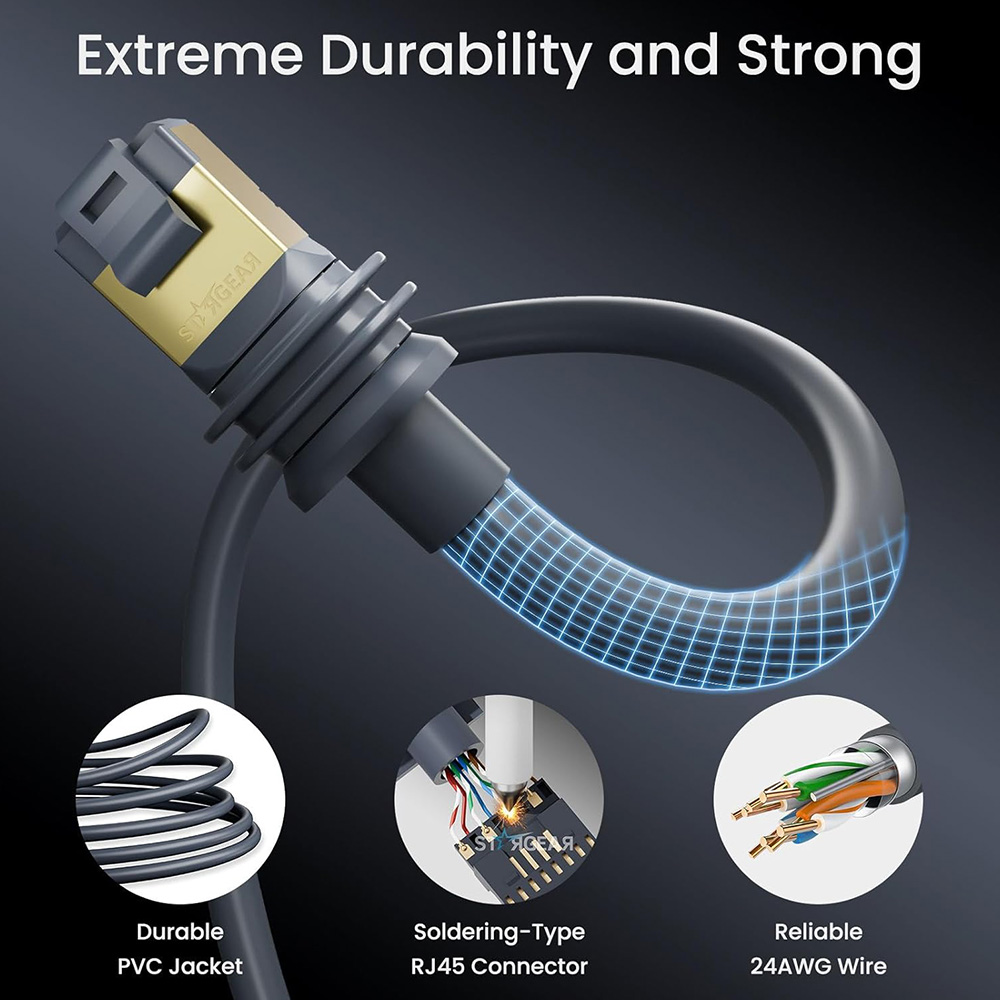
Many manufacturers produce replacement cables in various lengths (from 16 feet to over 200 feet) compatible with the Gen 3 dish. Popular options include brands like STARGEAR, LUCMO, VENTION, and Anaubin, which often utilize 24AWG pure copper conductors for improved power delivery.
Common Features:
- Waterproof and UV-resistant jackets.
- Shielded for reduced interference.
- Speeds up to 2000 Mbps (though limited by Starlink hardware).
- Available lengths: 75 ft, 100 ft, 150 ft, and longer.
Pros:
- More length variety.
- Often more affordable.
- Plug-and-play with protective caps.

Cons:
- Performance can vary; stick to well-reviewed options with pure copper (avoid copper-clad aluminum for PoE reliability).
These are great for adventures needing exact lengths without excess cable clutter.

DIY Aftermarket Extensions
For cost savings and custom totals, extend the included 50-foot cable with outdoor-rated Cat6 Ethernet and a waterproof RJ45 coupler.
Recommended Materials:
- Outdoor buried/direct-bury Cat6 (e.g., GearIT or similar shielded pure copper).
- IP67-rated waterproof coupler.
- Total length: Keep under 150 feet.
Steps Overview:
- Connect the original cable to the coupler.
- Attach the aftermarket cable.
- Route and bury/protect as needed.
Pros:
- Cheapest for mid-range extensions (e.g., 100 feet total).
- Retains original moisture seals.
Cons:
- Requires assembly and proper sealing.
- Risk of connection issues if not done correctly.
This method suits hands-on users planning New Year installations.
Key Factors When Choosing an Extension Cable
To ensure reliability during 2026 adventures:
- Gauge and Material: 24AWG or thicker pure copper minimizes voltage drop.
- Shielding: Essential for outdoor use to prevent interference.
- Weatherproofing: Look for IP67 ratings, UV resistance, and burial capability.
- Length Limits: Stay conservative—many users report stable performance at 150 feet; however, issues can arise in cold weather or when operating at high power draw.
- Installation Tips:
- Avoid sharp bends or kinks.
- Use cable clips or conduits for protection.
- Test thoroughly after setup.
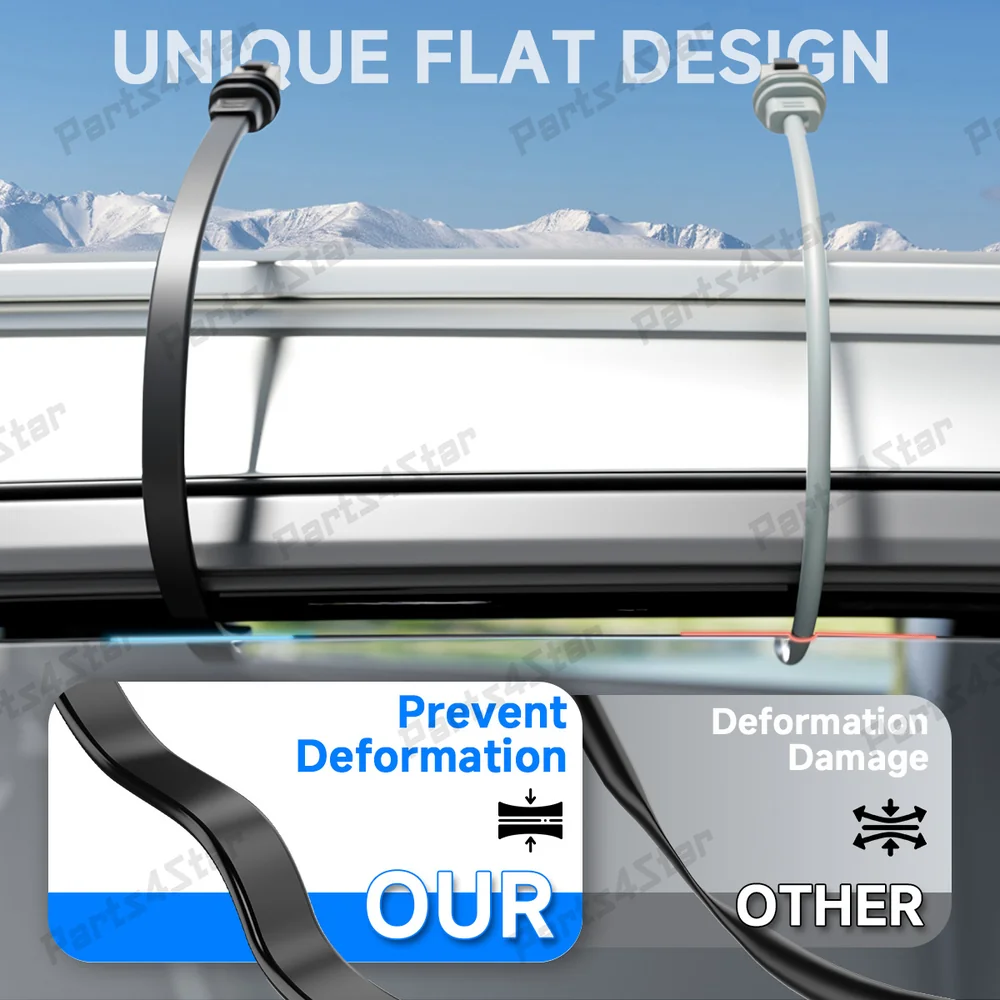
For extreme adventures (e.g., heavy snow or marine use), prioritize cables with enhanced durability.
Best Recommendations for 2026 Adventures
Based on user experiences and specifications:
- Best Official Option: Starlink 150 ft Cable – Reliable for permanent setups.
- Best Versatile Replacement: 100-150 ft options from reputable third-party brands with 24AWG copper and waterproofing.
- Best Budget/Custom: DIY with high-quality outdoor Cat6 and coupler for totals up to 150 ft.
- For Mobile Use: Shorter replacements (75-100 ft) to reduce weight in RVs or backpacks.
These choices support high-speed connectivity for streaming New Year fireworks, video calls, or navigation apps.
Frequently Asked Questions (FAQ)
1. What is the maximum recommended length for a Starlink extension cable in 2026?
The practical limit is around 150 feet total to maintain stable power and data. Beyond this, voltage drop can cause reboots or reduced performance.
2. Can I use any Cat6 cable to extend my Starlink Gen 3 dish?
Yes, but use outdoor-rated, shielded pure copper Cat6 with a waterproof coupler. Avoid thinner gauges or aluminum conductors for reliable PoE.
3. Are third-party Starlink cables reliable for outdoor adventures?
Many are, especially those with 24AWG copper, shielding, and IP67 waterproofing. User reports show good performance in rain, snow, and UV exposure.
4. Will extending the cable affect my Starlink speeds or latency?
Minimal impact within 150 feet is possible if using high-quality cable. Longer runs may introduce slight degradation due to power limitations.
5. How do I extend beyond 150 feet for remote New Year setups?
Relocate the router/power supply near the dish in a weatherproof enclosure, then use standard Ethernet or a wireless bridge back to your location.
6. Is it safe to bury a Starlink extension cable?
Yes, with direct-bury rated cables. Ensure proper depth and protection from damage for long-term outdoor use.
With the correct extension, your Starlink setup will handle 2026 adventures seamlessly—from festive New Year celebrations in remote spots to everyday off-grid living. Plan, choose quality components, and enjoy uninterrupted connectivity wherever the year takes you.