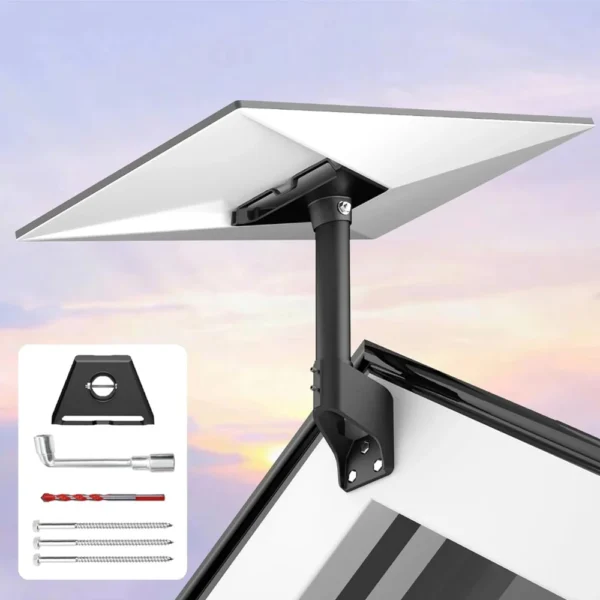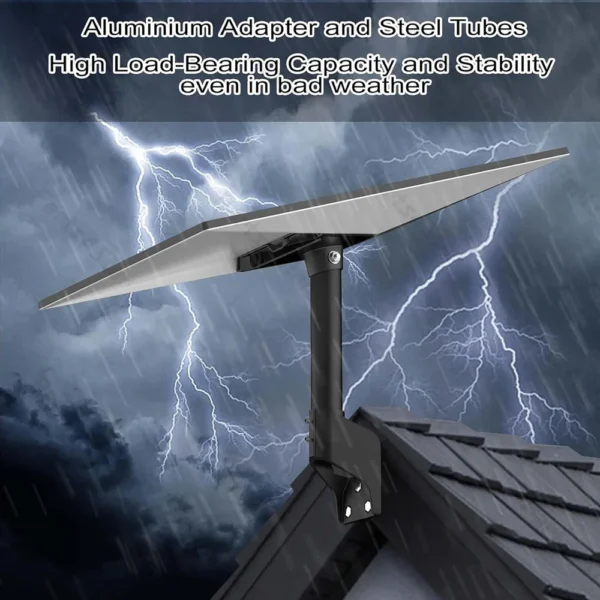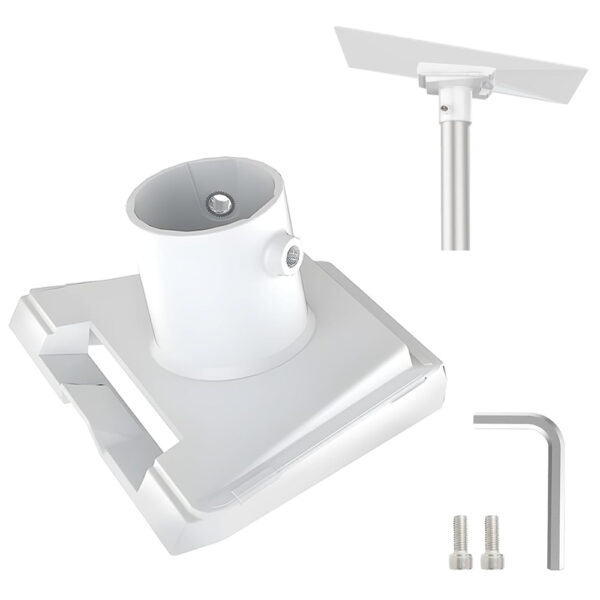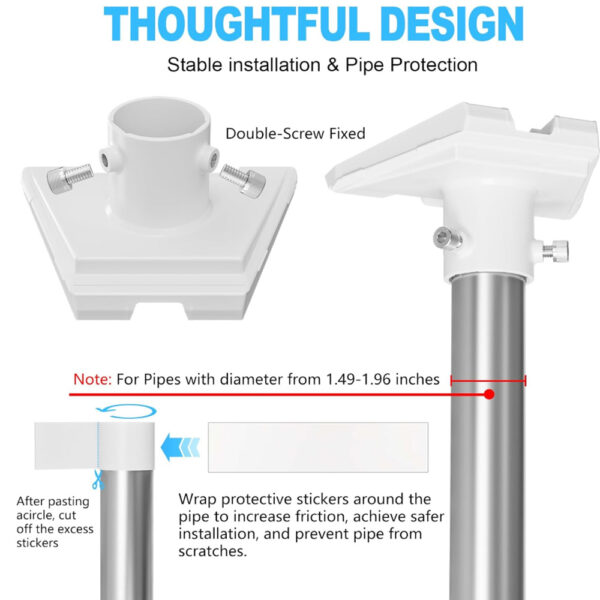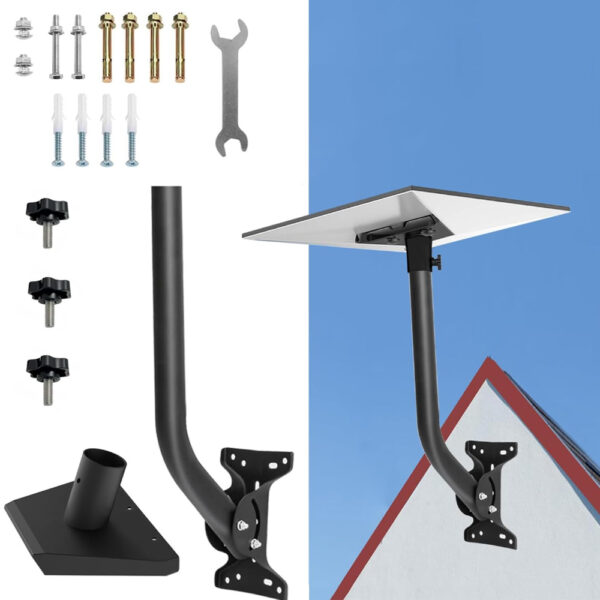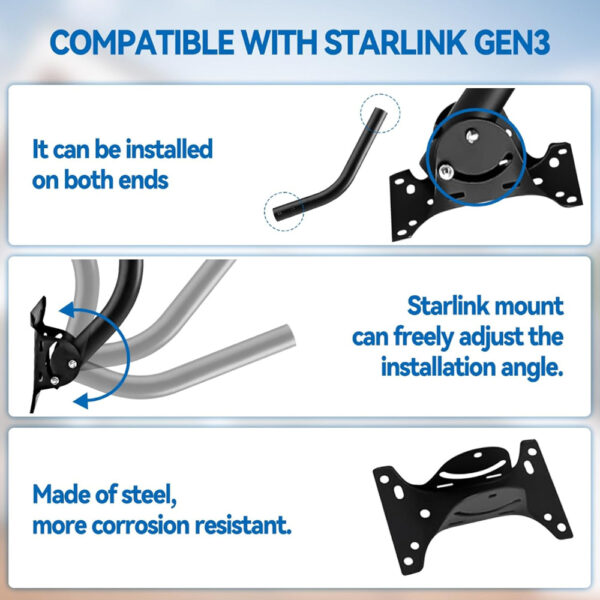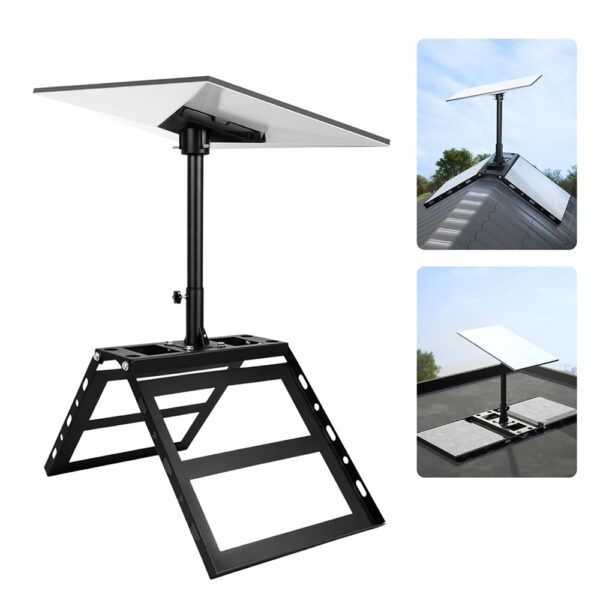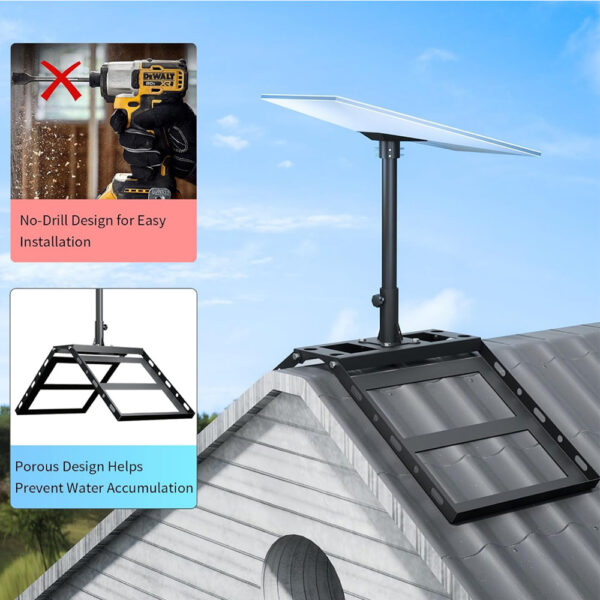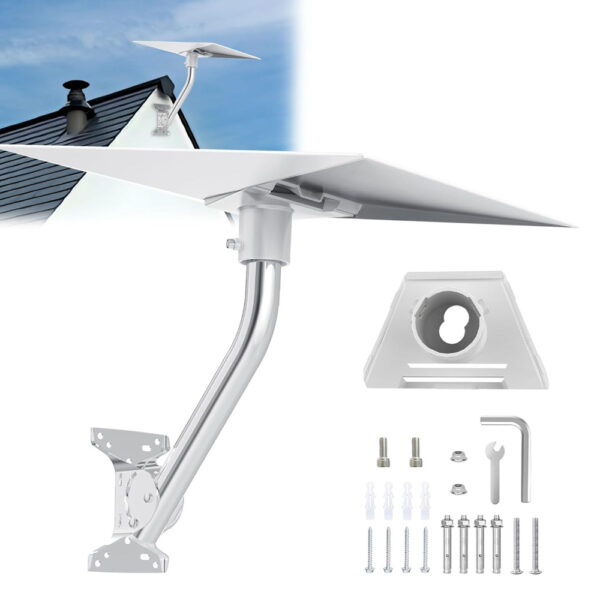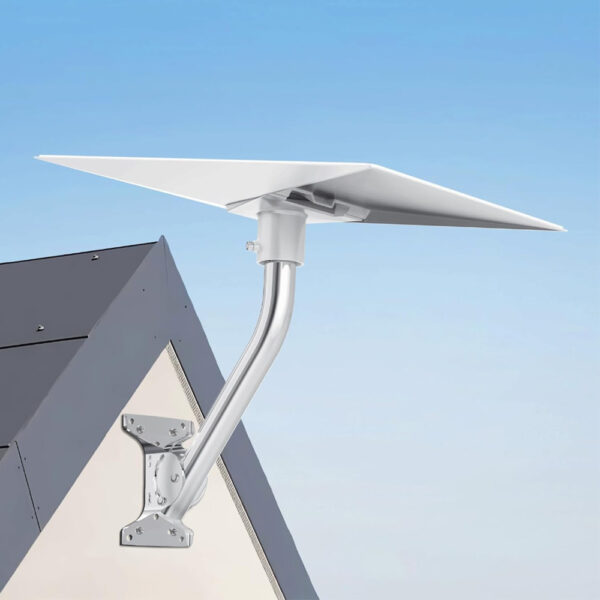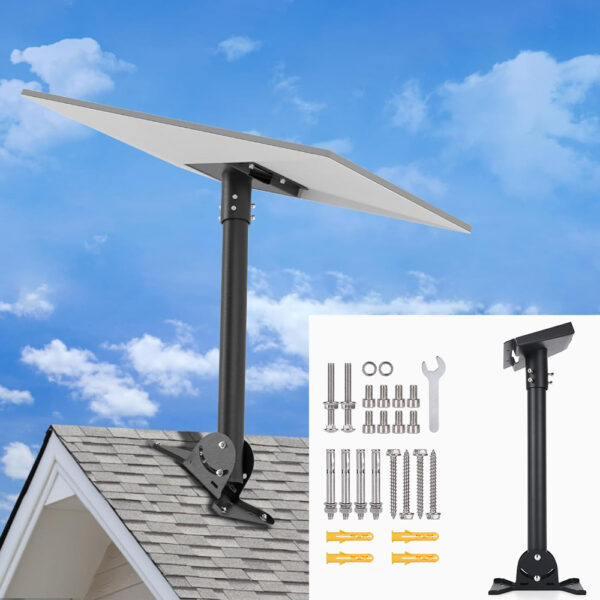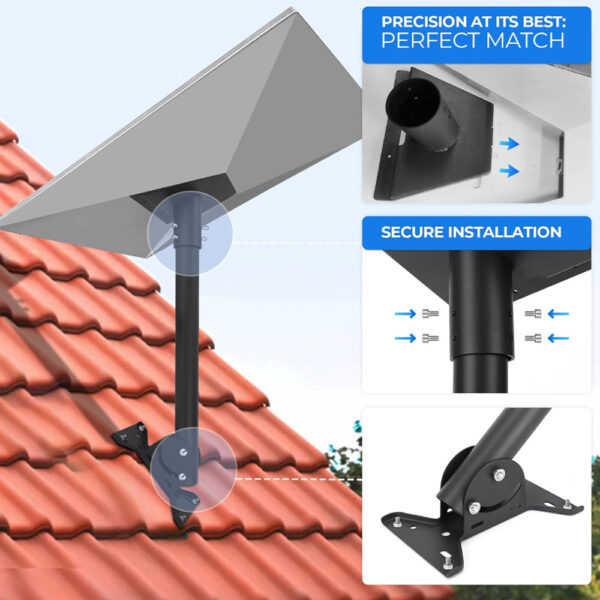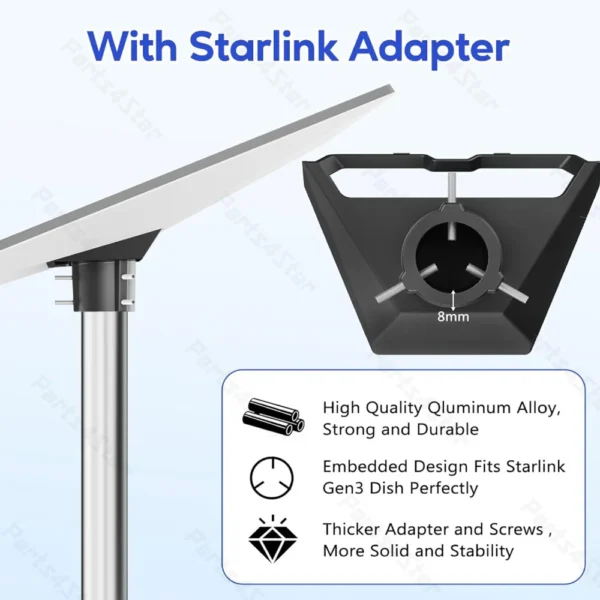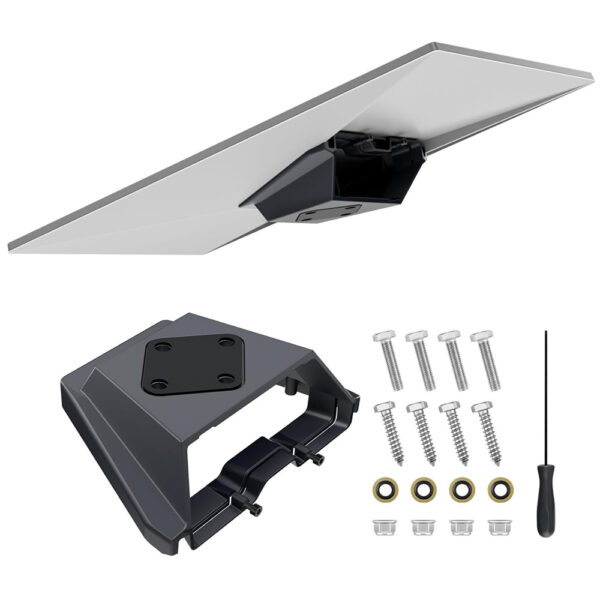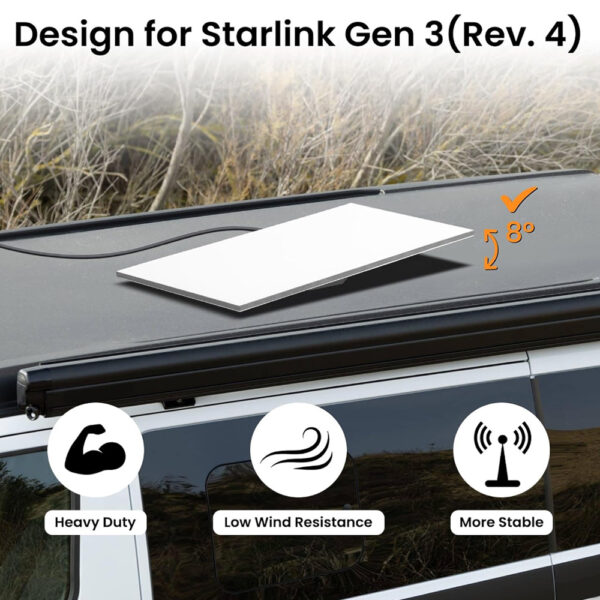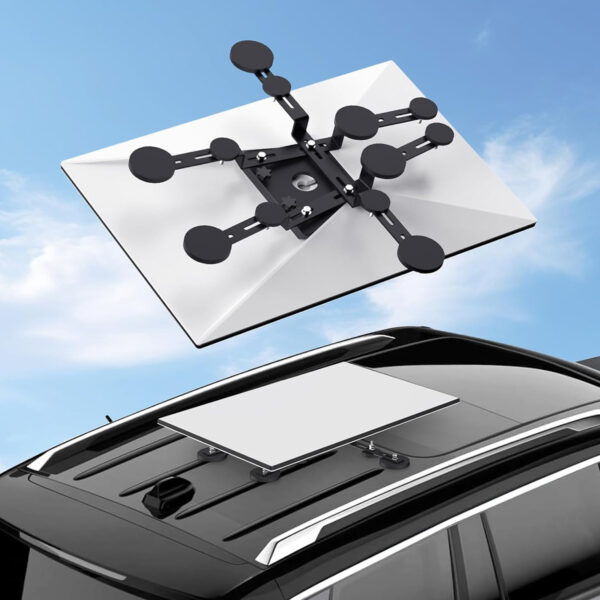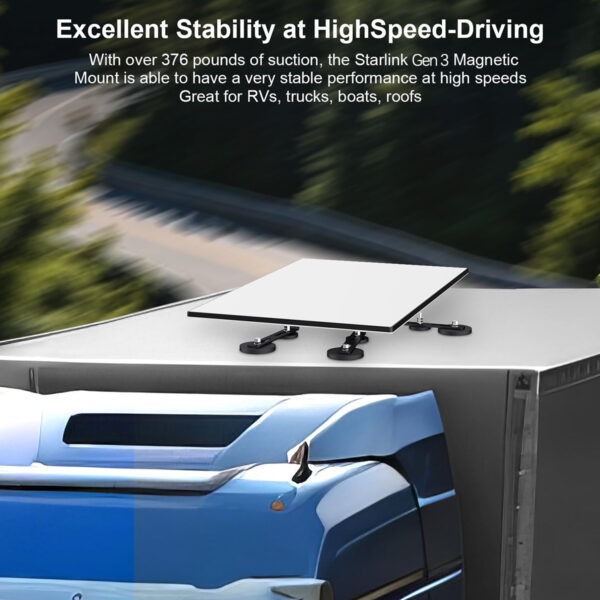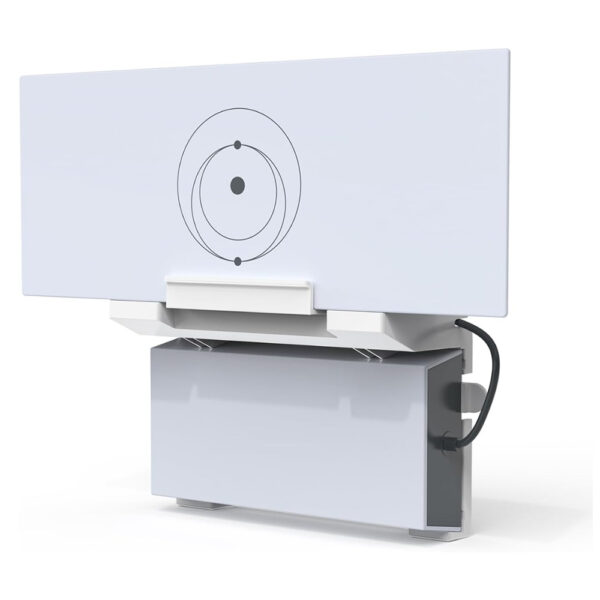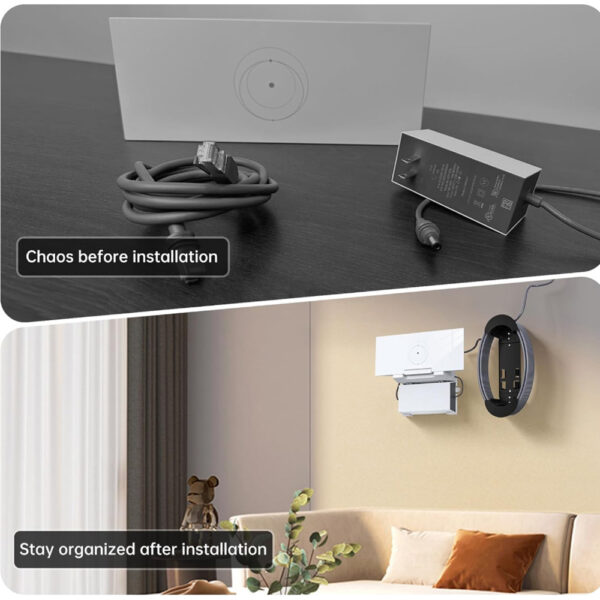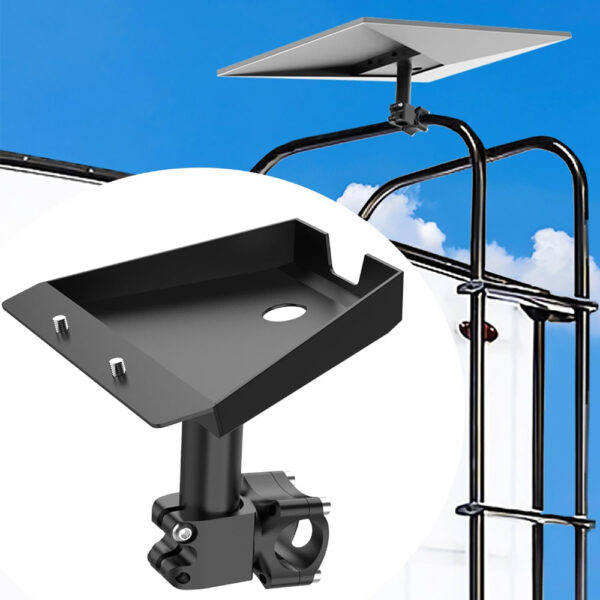
Secure your Starlink Gen 3 dish with a stable mount for rooftops, poles, or mobile setups. It is built to work well in any environment. These mounts give solid support and flexible install options, perfect for home, RV, or off-grid connections.
GENERACE 3
Vyberte možnosti Tento produkt má více variant. Možnosti lze vybrat na stránce produktu.
Černý
Šedá

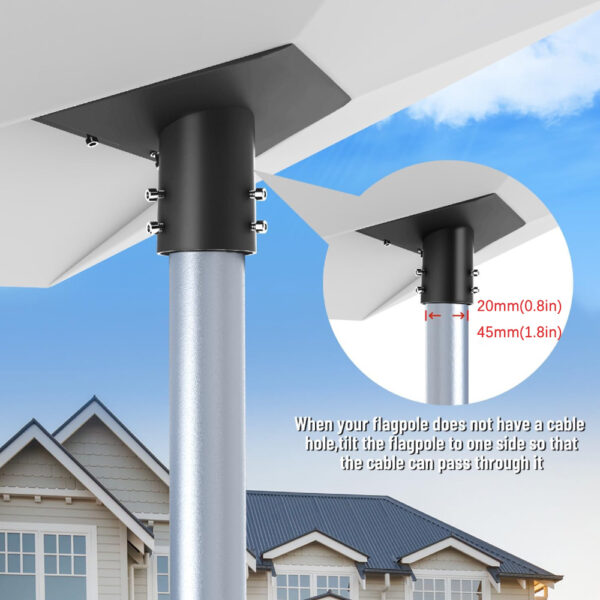
Adaptér z nerezové oceli pro montáž na držák Starlink Gen 3

(3)
$25.99

Sada pro montáž na stěnu a střechu s otočením o 360° pro Starlink Gen 3

(10)
$54.99

Adaptér na tyčovou trubku pro parabolu Starlink Gen3

(3)
$26.99

Střešní držák Starlink Gen 3 – nastavitelný hliníkový držák 26″

$59.99

Nastavitelná sada pro montáž na stěnu ve střeše pro Starlink Gen 3

(7)
$54.99

Nastavitelná sada pro montáž satelitní antény Starlink Gen 3 na hřeben střechy

$128.99

Nastavitelná montážní sada z nerezové oceli pro parabolu Starlink Gen 3

(9)
$69.99

Nastavitelná montážní sada na střešní tyč pro parabolu Starlink Gen 3

(5)
$49.99

Nastavitelný stativový držák s adaptérem pro Starlink Gen 3

$79.99

Sada pro montáž na sloup bez výkopu o délce 6,6 stop pro parabolu Starlink Gen 3

$124.99

Sada pro montáž routeru a napájecího zdroje na zeď pro Starlink Gen 3

(2)
$24.99

Držák na plochou střechu s ochranou proti krádeži pro parabolu Starlink Gen 3

(2)
$69.99

Nastavitelná sada pro montáž na stěnu a střechu pro standardní parabolu Starlink Gen 3

(2)
$54.99

Magnetický rychloupínací střešní držák pro Starlink Gen 3

Původní cena byla: $109.99.Aktuální cena je: $99.99.

Nastavitelná magnetická montážní sada na střechu pro Starlink Gen 3

(5)
$79.99

Sada pro montáž na zeď typu vše v jednom - router a napájecí zdroj pro Starlink Gen 3

Původní cena byla: $36.99.Aktuální cena je: $28.99.

Univerzální sada pro montáž na střešní nosič Starlink Gen 3

(1)
Původní cena byla: $49.99.Aktuální cena je: $39.99.

Sada pro montáž routeru a napájecího zdroje na zeď pro Starlink Gen 3 – není potřeba vrtání ani šroubování

$19.99

Starlink Gen 3 RV Mount

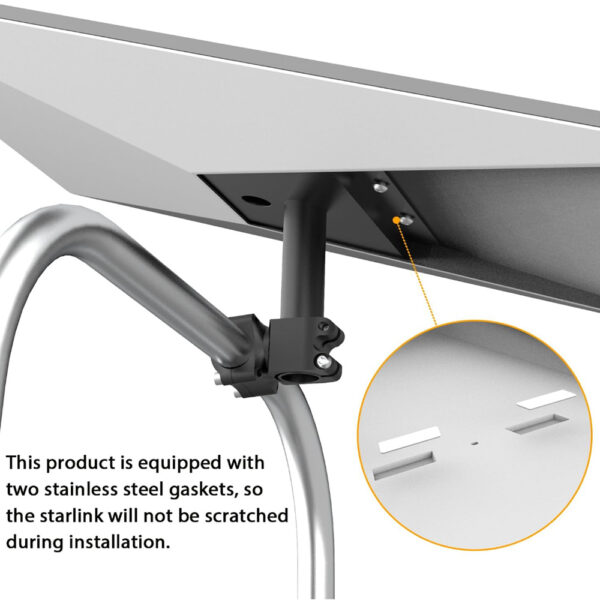
For mobile connectivity, the Starlink Gen 3 RV mount attaches securely to RV ladders or exterior rails with an adjustable clamp. It keeps the dish steady while driving or parked. If you're building a road-ready Gen 3 setup, this mount is available on our site as part of our mobile accessory lineup.

Starlink Gen 3 Roof Mount

Ten/Ta/To Starlink Gen 3 roof mount provides a solid base for rooftop installs on flat or sloped surfaces. Its weatherproof frame holds firm in wind and rain. For users planning permanent Gen 3 placement, this mount is one of several rooftop options available through our store.

Starlink Gen 3 Router Mount

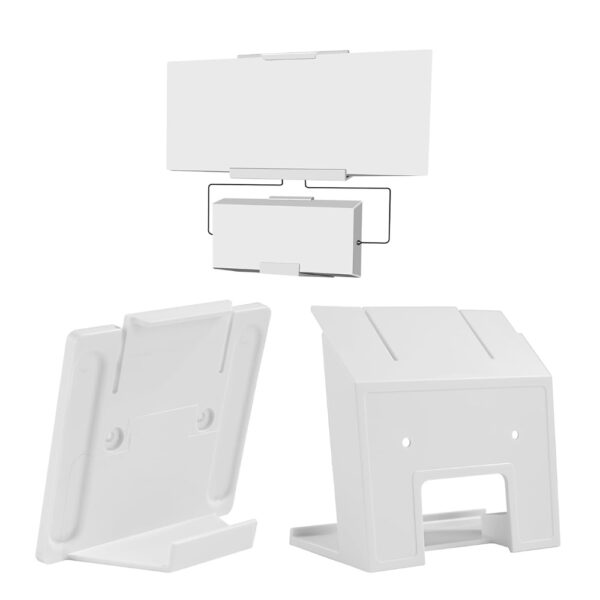
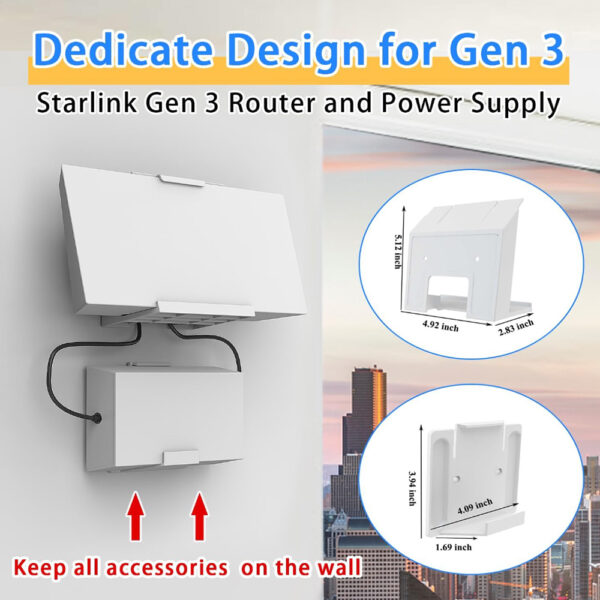
Wall-mounting your indoor unit saves space and improves airflow. The Starlink Gen 3 router mount secures the router vertically for a cleaner setup. It's a simple way to streamline your Gen 3 layout.

Starlink Gen 3 Mounting Options

From RV clamps to wedge mounts, Starlink Gen 3 mounting options suit every setup—from rooftops to walls to travel builds. Each option is designed for durability and alignment flexibility. You’ll find a full range of these Gen 3-compatible mounts available through our site.

Starlink Gen 3 Wedge Mount

When mounting on angled surfaces, the Starlink Gen 3 wedge mount offers fixed-angle stability to aim your dish skyward. It’s compact, sturdy, and especially useful for rooftops with slope.

Starlink Gen 3 Mount – FAQ

Q1: Does Starlink 3. generace come with a Pole Mount?

A: No. The standard Starlink 3. generace kit does not include a pole mount. It only comes with the dish, router, and cable. You can buy a pole mount separately or use a compatible one.
Q2: How do you set up Gen 3 Starlink flat mount?

A: Place the dish on a flat surface with a clear sky view, secure it using a wedge or flat base, and connect the cables. Then finish setup in the Starlink app.
Q3: Can Starlink 3. generace be pole mounted?

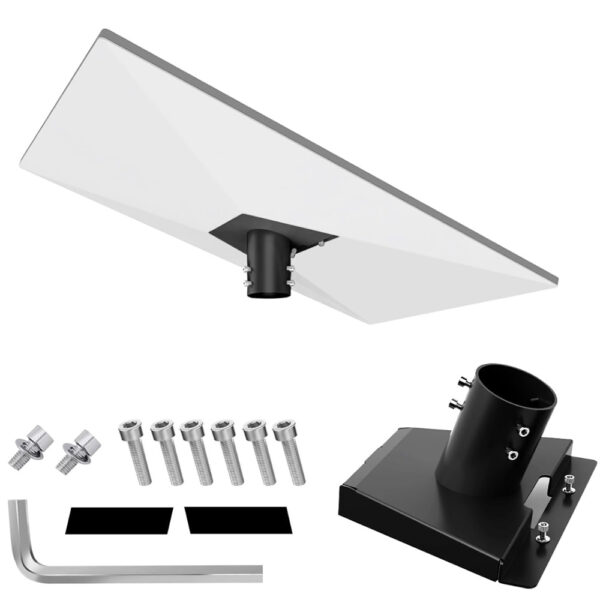
A: Yes. Starlink 3. generace can be mounted on a pole using the official pole mount or a compatible adapter. Make sure the pole is stable and the dish has a full view of the sky.
Q4: How to attach pole mount to Starlink?

A: Slide the Starlink mount tube into the pole, tighten it with screws or clamps, and check stability before connecting the cables. Avoid over-tightening.