
Кріплення 2-го покоління
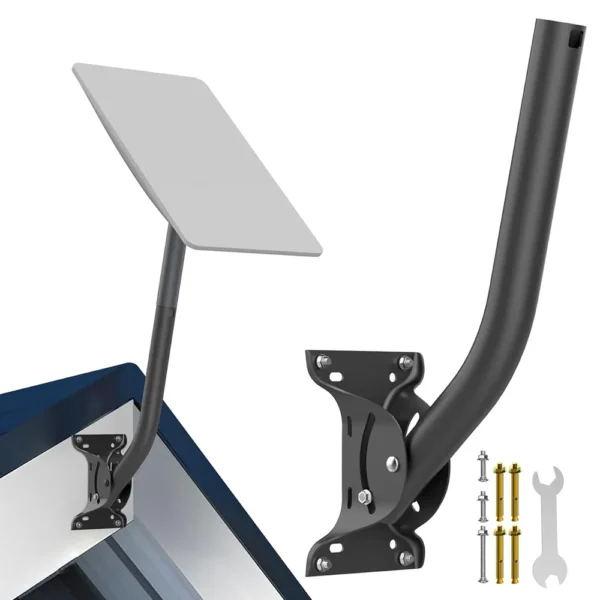
Закріпіть свою антену Starlink Gen 2 за допомогою нашого міцного кріплення, призначеного для встановлення на даху, стіні або землі. Воно забезпечує стабільний прийом сигналу та тривалий термін служби. Завдяки гнучкому позиціонуванню для найкращого сигналу та всепогодній конструкції, воно ідеально підходить для використання в сільській місцевості, на мобільних пристроях або поза мережею.
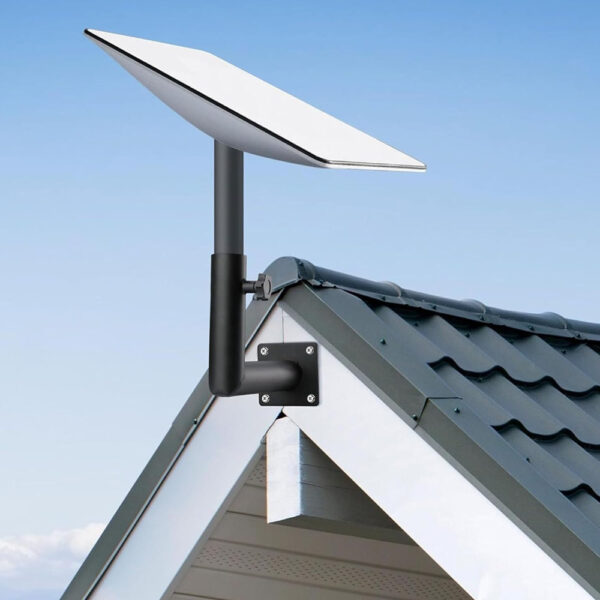
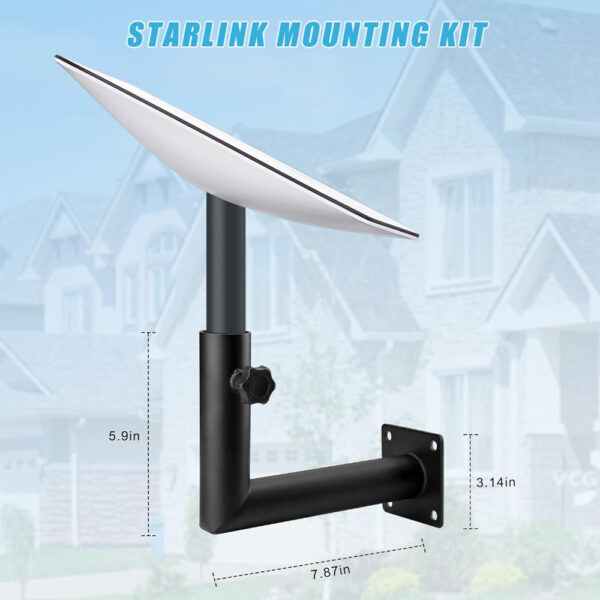
Комплект для настінного кріплення під прямим кутом для Starlink Gen 2
$36.99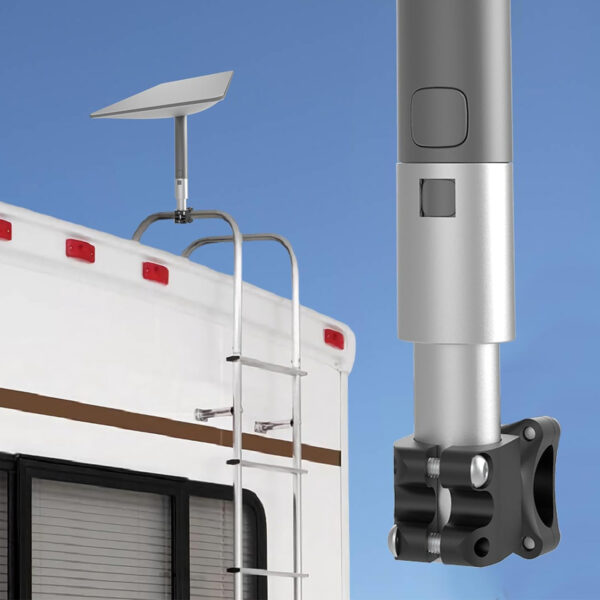
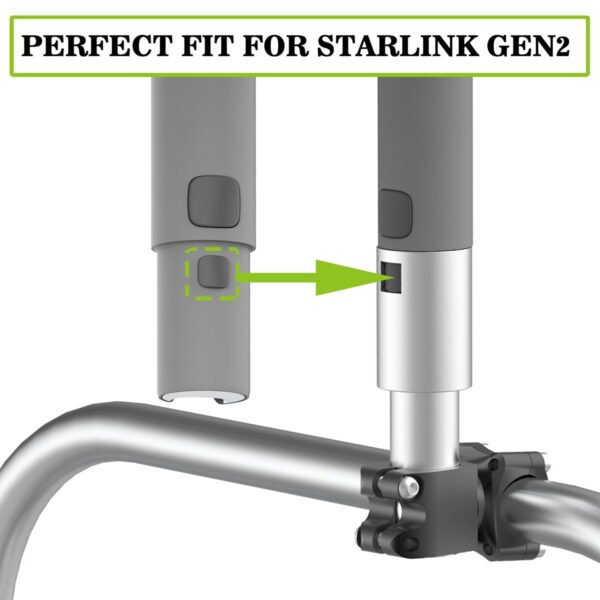
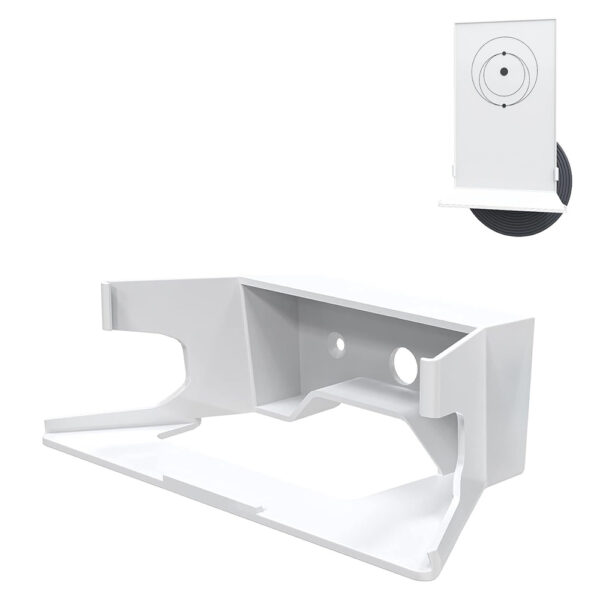




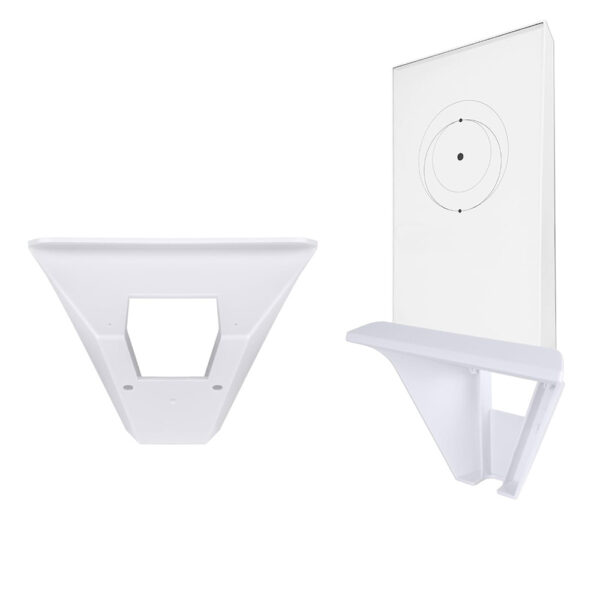
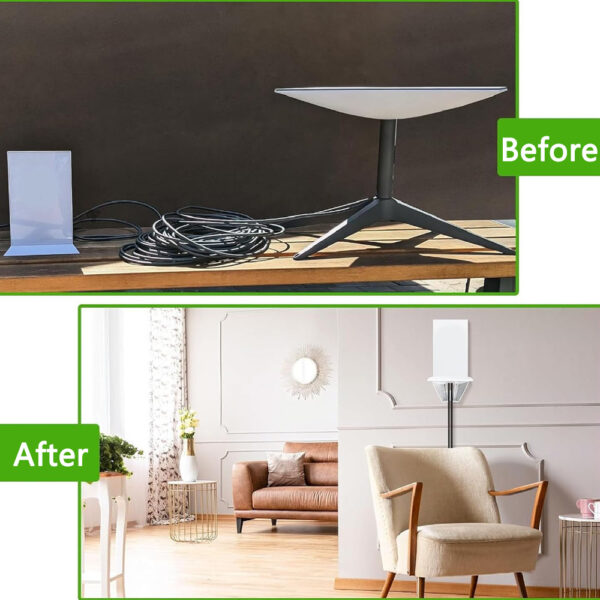


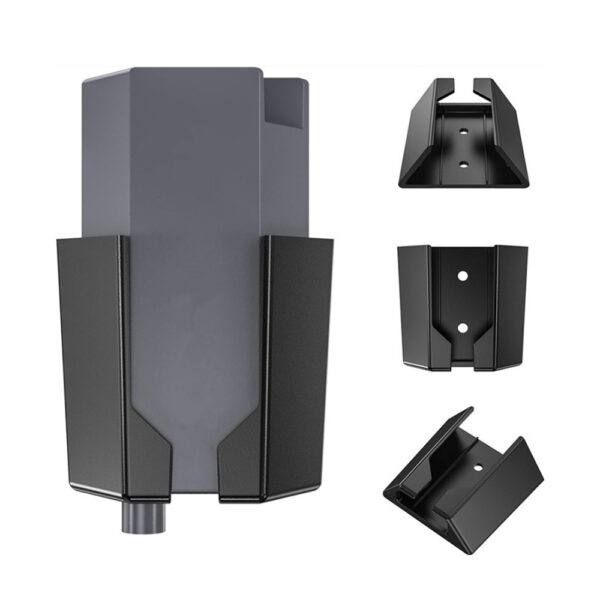
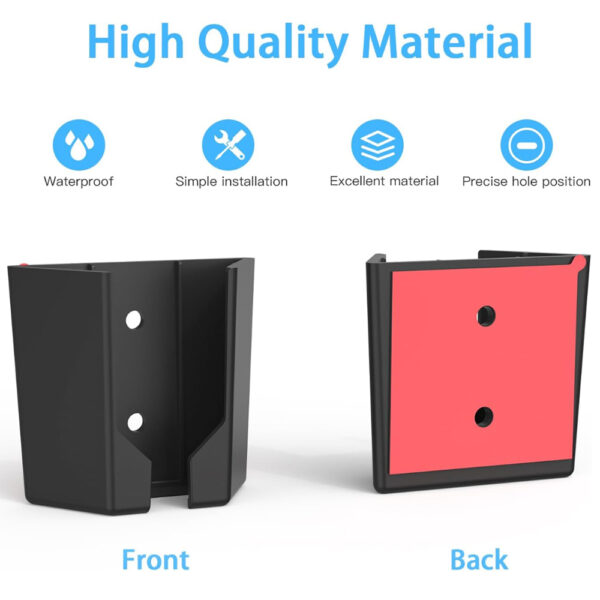
Кронштейн Ethernet-адаптера для Starlink Gen 2
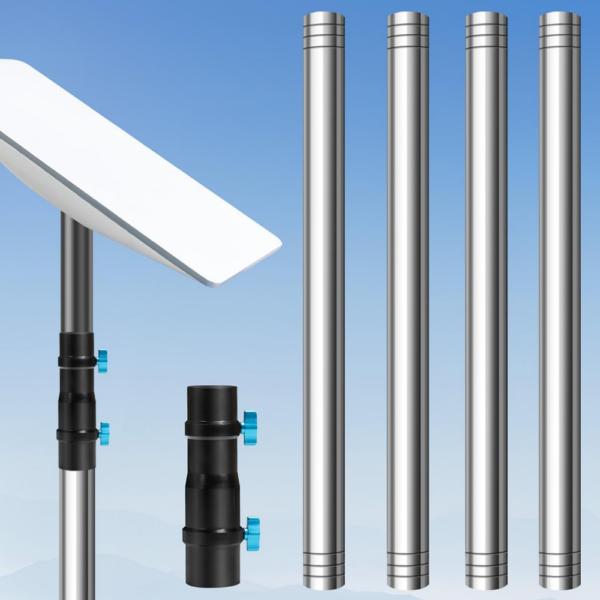
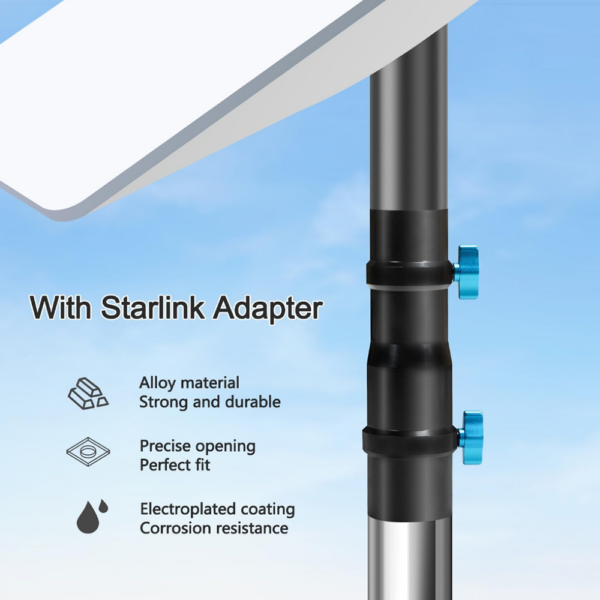
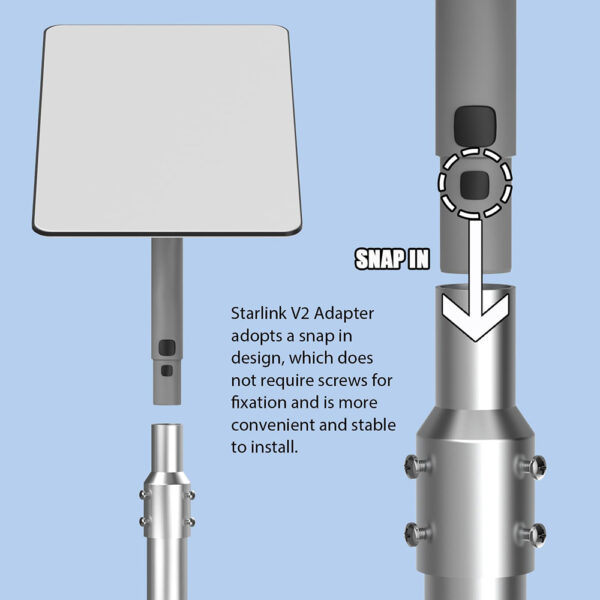
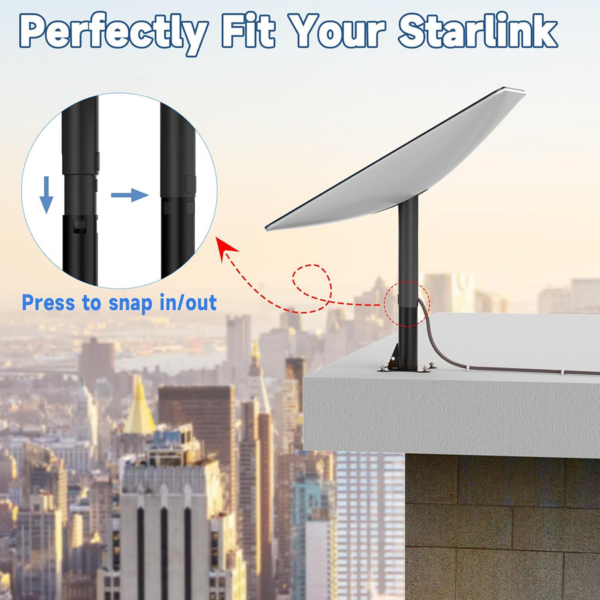
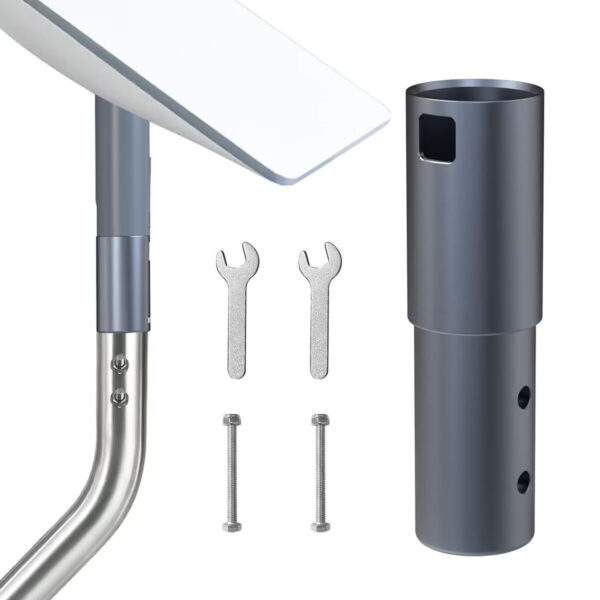
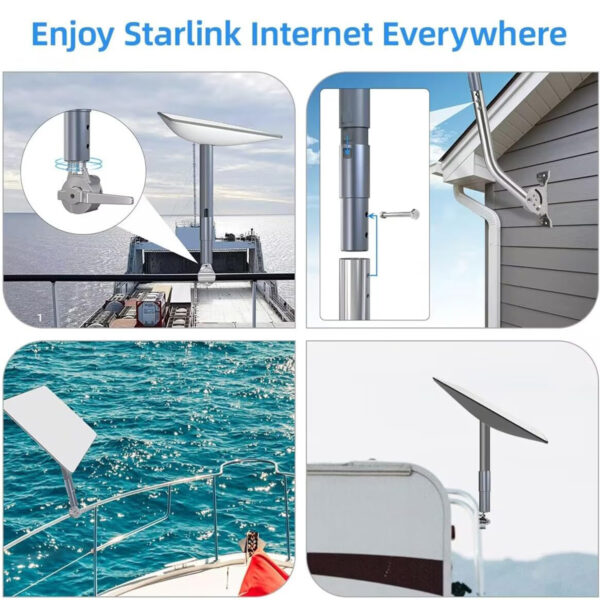
$18.99Starlink Gen 2 Pole Mount
Mounting a Starlink 2-го покоління dish on a pole is fast and secure with this heavy-duty steel bracket. Designed for RV rails, fence posts, and vertical outdoor pipes, it delivers stability in high winds and resists corrosion. The Starlink Gen 2 pole mount is in stock now on our site with included U-bolts for quick installation.
Starlink Gen 2 Wall Mount
Secure your satellite dish to any vertical wall with this weather-resistant steel bracket. Its angled design improves alignment and holds firm in harsh outdoor conditions. The Starlink Gen 2 wall mount comes with mounting hardware and is available now for quick delivery from our store.
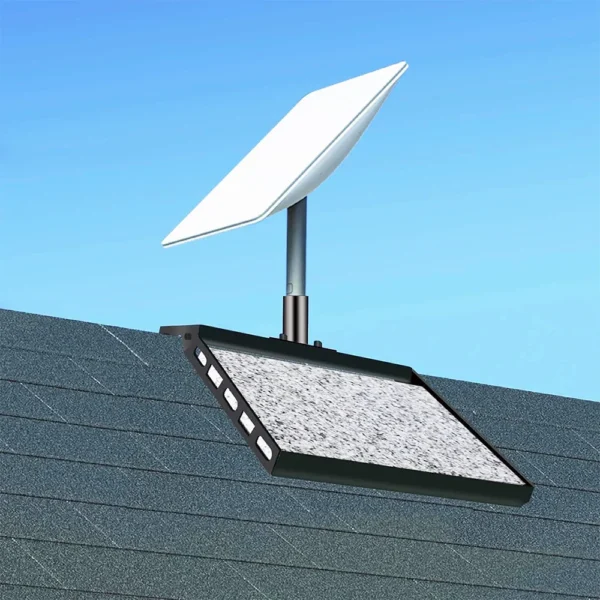
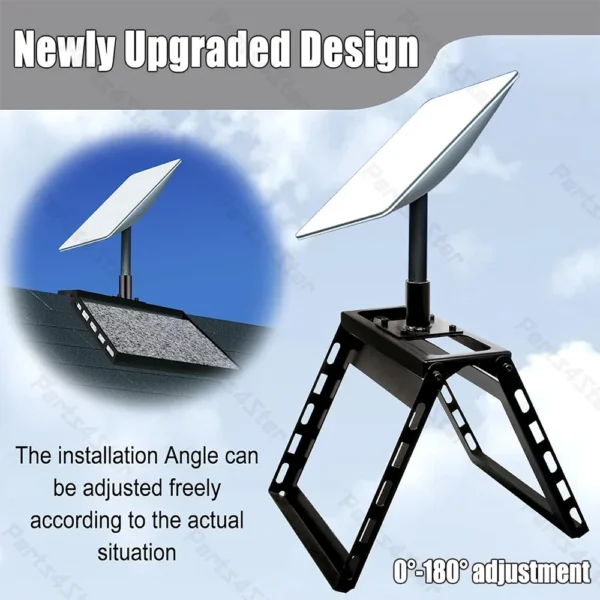
Starlink Gen 2 Roof Mount
Install your dish on sloped or flat rooftops using a corrosion-resistant metal base engineered for long-term durability. The Starlink Gen 2 roof mount offers a firm hold in windy environments and blends seamlessly with most roofing surfaces. Available now for reliable rooftop setups.
Starlink Gen 2 Flat Mount
Flat surfaces like patios, decks, or balconies are ideal for this low-profile, stable mounting solution. Built from rust-resistant steel and featuring non-slip feet, the Starlink Gen 2 flat mount makes dish placement simple and tool-free.
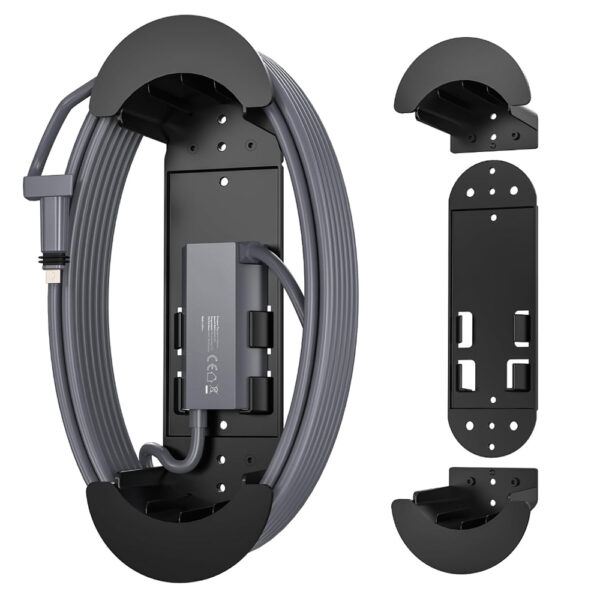
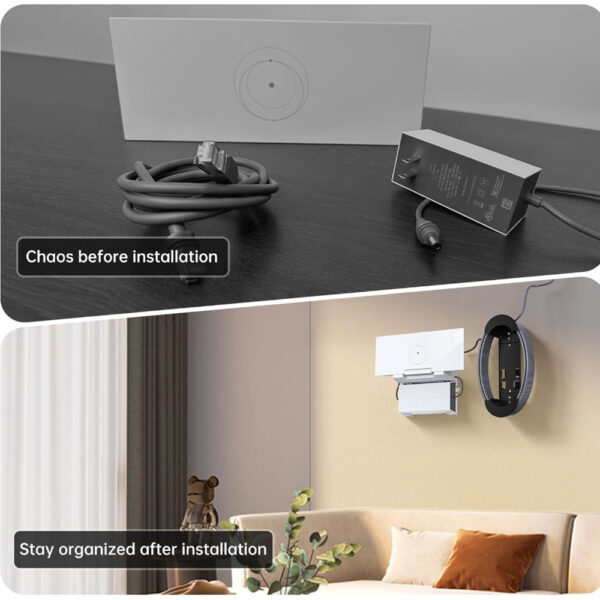
Starlink Gen 2 Router Wall Mount
Keep your setup clean and space-efficient with a vertical bracket that holds your router firmly against the wall. The Starlink Gen 2 router wall mount improves airflow, reduces clutter, and fits perfectly with Gen 2 models. Simple to install with included screws.
Кріплення Starlink Gen 2 – поширені запитання
Q1: What mounting kit comes with Starlink 2-го покоління?
Q2: Чи Starlink 2-го покоління kit include a pole mount?
Q3: What is the standard mount for Starlink 2-го покоління?
Q4: How to mount Starlink 2-го покоління?
- Choose a clear location with an unobstructed view of the sky.
- Place the kickstand base on stable, flat ground (avoid soft soil or uneven surfaces).
- Insert the dish into the base until it locks securely.
- Connect the cable from the dish to the router, ensuring both ends are firmly attached.
- Power on the system, and the dish will automatically adjust its angle to align with satellites.
- Використовуйте Додаток Starlink to confirm proper setup and check signal strength.