

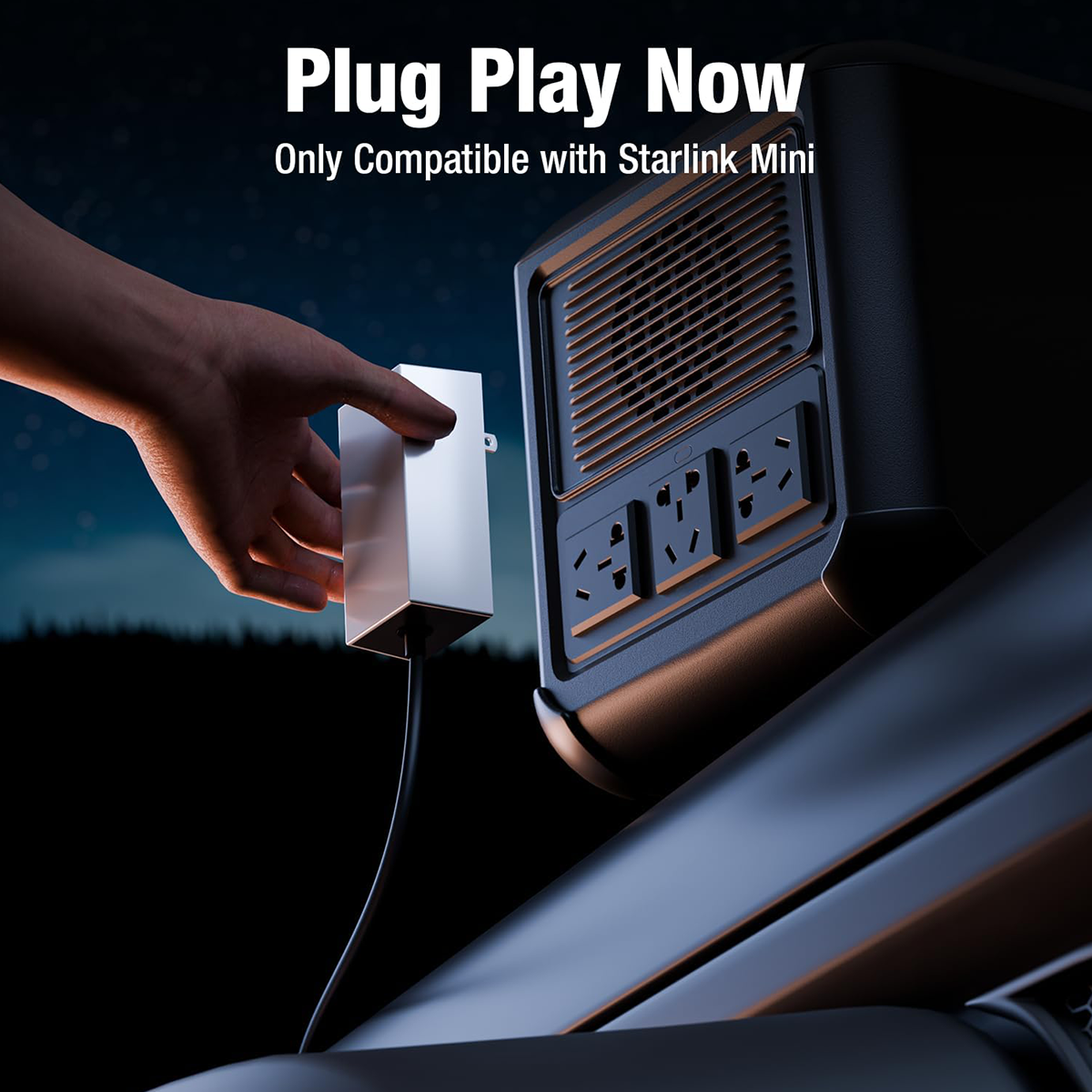
When your Starlink Mini Power Supply Adapter isn't charging, it can disrupt your entire Starlink internet setup, making it frustrating to use. Fortunately, there are several simple troubleshooting steps that can resolve this issue. Below is a quick overview of the core steps that we will cover in this article to help you fix the adapter.
| Step No. | Action | Description |
|---|---|---|
| 1 | Check the Power Outlet and Cable | Ensure the power outlet is working and the power cable is undamaged. |
| 2 | Inspect the Adapter for Physical Damage | Look for overheating or visible damage on the adapter. |
| 3 | Reset the Adapter and Starlink Device | Unplug and reset both the adapter and the Starlink device to clear any glitches. |
| 4 | Check for Software Updates | Ensure that both the app and the device firmware are up to date. |
| 5 | Consider a Replacement | If the adapter is still malfunctioning, consider replacing it. |
These steps will guide you through the most common fixes for a Starlink Mini Power Supply Adapter that isn’t charging. Follow each step to ensure that your adapter is working properly.
1. Check the Power Supply and Connections
1.1 Inspect the Power Outlet and Cable
Before diving into more complex troubleshooting, it's important to check the basics first. Many times, the issue lies with the simplest elements, such as the power outlet or the cable.

- Test the Outlet: Plug another device, such as a phone charger or lamp, into the same outlet to verify that it’s working. If the outlet isn’t providing power, try another one.
- Inspect the Power Cable: Look for any visible damage, frays, or bends in the power cord that might prevent it from properly transmitting power. If the cable is damaged, it’s time to replace it.
If both the outlet and the cable seem fine, move on to the next step.
1.2 Use a Different Outlet
Even if the outlet seems to be working, it’s a good idea to try a different one. A faulty or overloaded outlet can sometimes cause charging issues. By plugging the adapter into a different power source, you can rule out any potential issues with the outlet itself.
2. Inspect the Adapter for Damage
2.1 Look for Overheating or Physical Damage
If the adapter feels hot to the touch or shows any signs of physical wear, it may need a break. Overheating can cause the adapter to stop functioning correctly.
- Feel for Heat: Touch the adapter to see if it’s excessively warm. If it is, unplug it and allow it to cool down for 10-15 minutes.
- Check for Visible Damage: Look for cracks, burn marks, or exposed wires. Physical damage to the adapter could prevent it from charging properly.
2.2 Waterproof Design and Durability
The Starlink Mini Power Supply Adapter is designed with a waterproof feature to protect it from moisture. However, prolonged exposure to water can still cause damage to the adapter over time. Always store the adapter in a dry area and check that the waterproof seal remains intact.
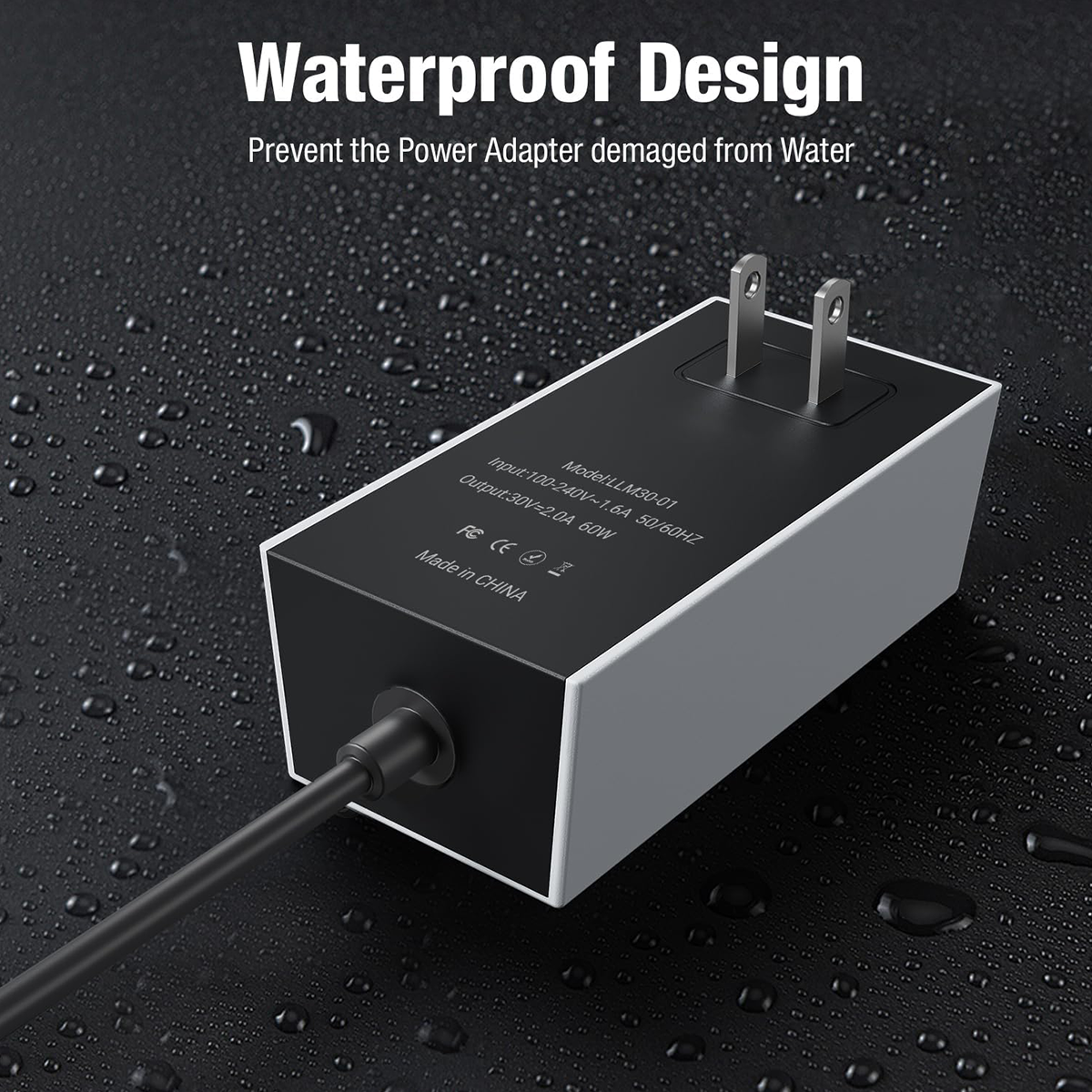
If you notice any water damage or cracks in the waterproof seal, the adapter might need to be replaced.
3. Reset the Adapter and Starlink Mini Device
3.1 Perform a Power Cycle
A simple reset can solve many charging issues. To reset both the Starlink Mini Power Supply Adapter and the Starlink Mini device:

- Unplug the Adapter: Disconnect both the power adapter and the Starlink Mini device.
- Wait for 5-10 Minutes: This will ensure that both devices are fully reset.
- Reconnect and Test: Plug everything back in and see if the adapter starts charging the device.
Power cycling helps to clear any residual power issues and allows the devices to start fresh.
3.2 Restart the Starlink Mini Device
If resetting the adapter didn’t work, try restarting the Starlink Mini device itself. Sometimes a software issue with the device may prevent it from receiving power properly.
Power off your Starlink Mini for about 10 seconds, then turn it back on. This can help resolve minor software issues.
4. Check for Software Updates
4.1 Update the Starlink App and Device Firmware

If the adapter is still not charging, it could be due to outdated software or firmware. Check both the Starlink Mini app and device for updates.
- Update the Starlink App: Ensure your app is up to date with the latest version available.
- Update the Device Firmware: Check the settings in the Starlink Mini app to see if a firmware update is available for your device.
Keeping both the app and the device firmware up to date ensures optimal performance and can help solve charging issues.
5. Safety Features of the Adapter
Our Starlink Mini Power Supply Adapter is built with multiple safety features that ensure it operates efficiently and safely. These include:
- Over Current Protection
- Over Charge Protection
- Temperature Protection
- Over Voltage Protection
- Short Circuit Protection
- Over Load Protection
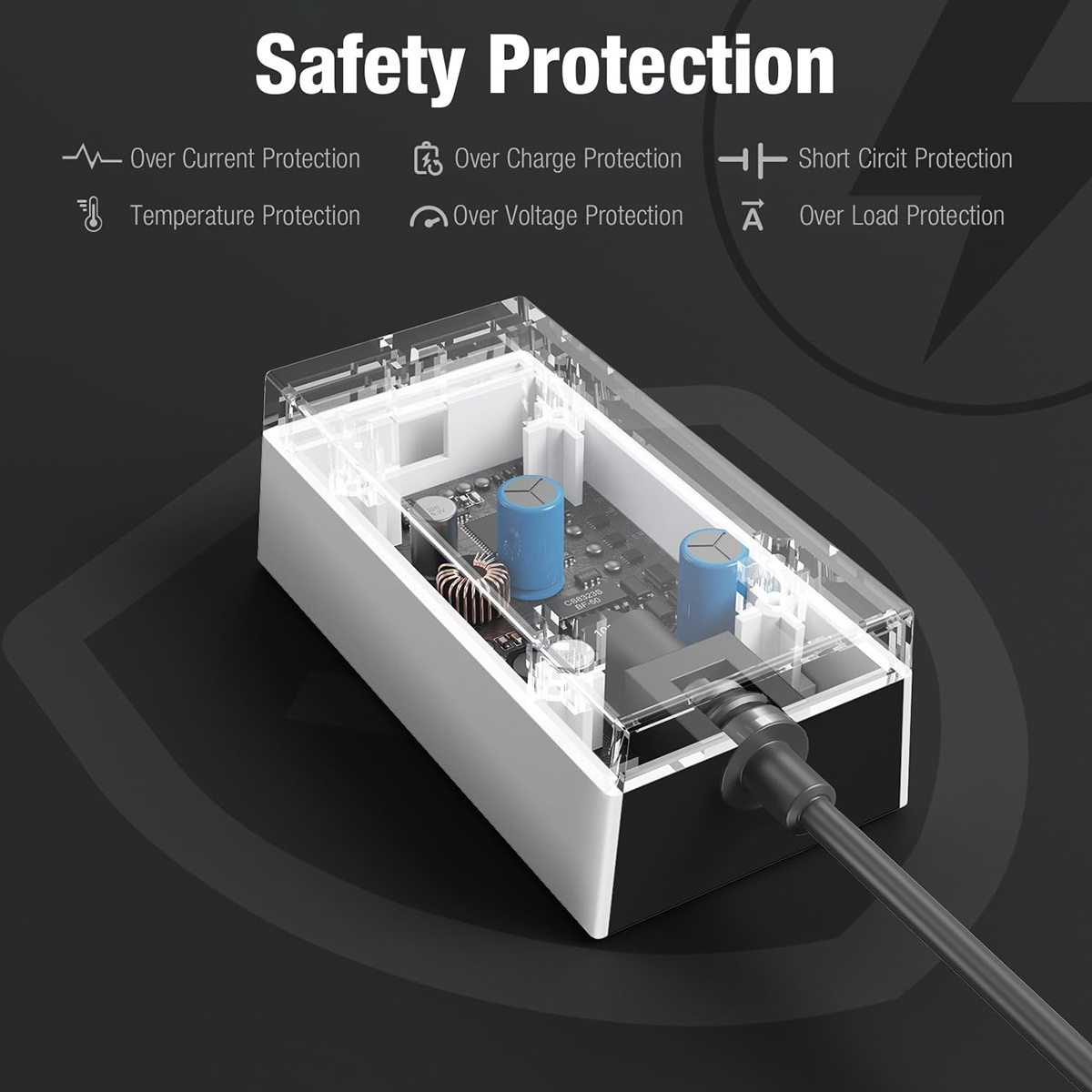
These features protect the adapter from potential electrical issues, ensuring that it works safely and reliably. If any of these protections are triggered, the adapter may temporarily stop functioning until the issue is resolved.
6. Consider Replacing the Adapter
6.1 When to Replace the Adapter
If the adapter continues to malfunction despite troubleshooting, it might be time to replace it. Here are some indicators that a replacement is necessary:
- Persistent Overheating: The adapter continues to overheat even after it has cooled down.
- Visible Physical Damage: Cracks, exposed wires, or burn marks could signal that the adapter is no longer safe to use.
- Inconsistent Power Supply: If the adapter fails to provide stable power or stops charging intermittently, it may need to be replaced.
If you need a replacement Starlink Mini Power Supply Adapter, visit Parts4Star to find a high-quality adapter that ensures reliable performance for your Starlink Mini.
FAQs

1. Why is my Starlink Mini Power Supply Adapter not turning on?
- This could be due to a faulty outlet, damaged cables, or an internal issue with the adapter. Try plugging it into a different outlet and check the adapter for visible damage.
2. Can I use a different power supply with my Starlink Mini?
- It's essential to use an adapter that matches the required voltage and wattage for the Starlink Mini. Using an incompatible power supply could cause damage to the device.
3. How can I tell if my Starlink Mini Power Supply Adapter is damaged?
- Look for cracks, burn marks, or frayed cables. Additionally, if the adapter overheats or doesn’t power the device consistently, it may be damaged.
4. How long should the Starlink Mini Power Supply Adapter last?
- With proper care, the adapter should last several years. However, exposure to heat, moisture, or physical damage can reduce its lifespan.
5. Can moisture damage the Starlink Mini Power Supply Adapter?
- The adapter is designed to be waterproof, but prolonged exposure to moisture may eventually cause damage. Always keep the adapter in a dry location when not in use.
Conclusion

If your Starlink Mini Power Supply Adapter isn’t charging, it’s important to systematically troubleshoot the issue. Start by checking the power supply, inspecting the adapter for damage, performing a reset, and updating the software. These steps can resolve most charging problems.
However, if the adapter is damaged or continues to malfunction, replacing it is the best option. Visit Parts4Star for a reliable replacement and keep your Starlink Mini running smoothly.



댓글 남기기
이 사이트는 hCaptcha에 의해 보호되며, hCaptcha의 개인 정보 보호 정책 과 서비스 약관 이 적용됩니다.